Leading Photo Scanning and Video to Digital Conversion Service in the USA



Expert Photo Scanning Service
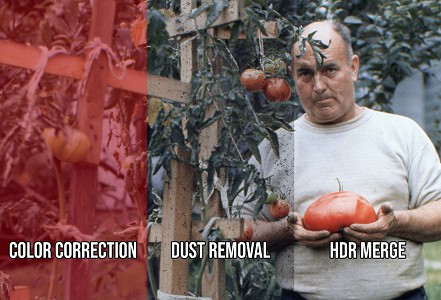
- Advanced Scanning Technology: Transforming photos with AI and industrial-grade sensors with SmartScan.
- Dust Removal: Our AI technology ensures pristine image clarity with DustNet.
- Color & Detail Enhancement: Bringing vibrancy back to faded or damaged photos with our SmartScan.
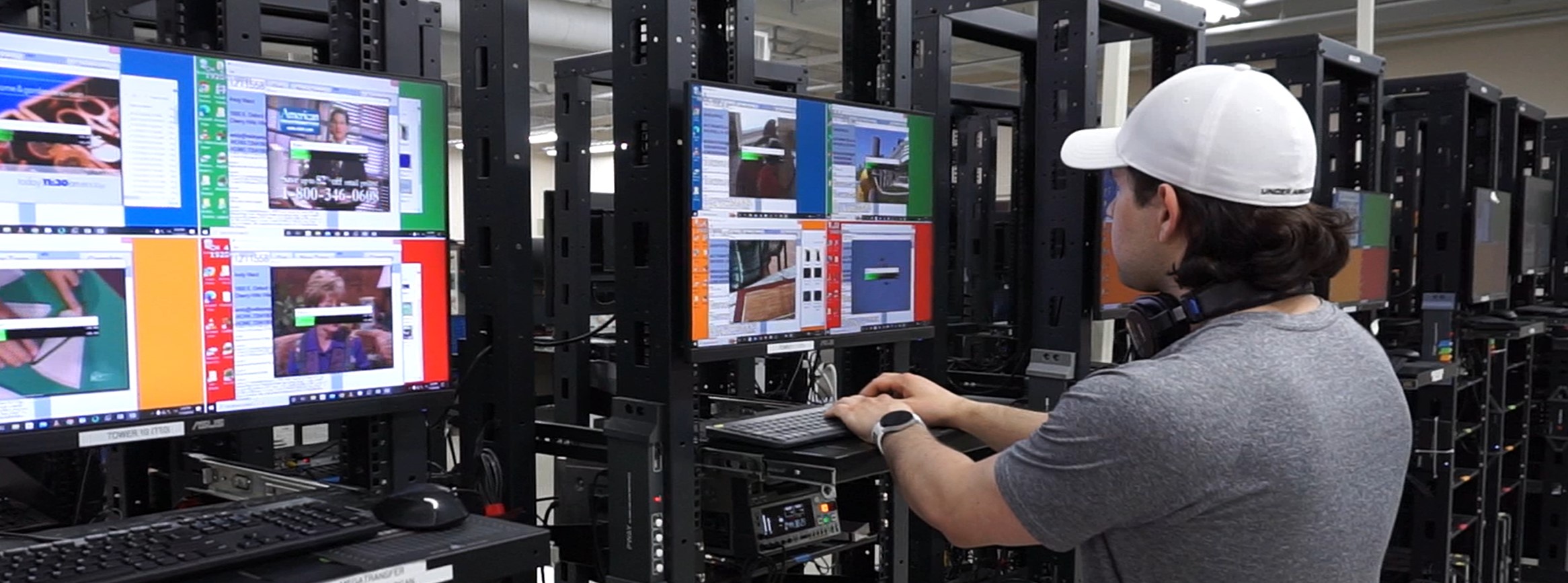
Advanced Tape to Digital Service
- Blank Video Trimming: We remove the blank footage from the beginning and the end.
- Get Searchable Text: Find the exact scene you need without combing through hours of video.
- Instant Online Viewing: See your video tapes as soon as they're digitized.
Expert Home Movie 8mm and 16mm Film Transfer Service
- HD Frame By Frame: 1920 x 1080 Film Scanning.
- Cleaned and Lubricated: We'll clean your film before its digitized.
- Manual Color Correction: Our techs do the extra work for you.
- Sound Included: If your Super8 or 16mm Optical Sound Film has sound, we'll capture it.
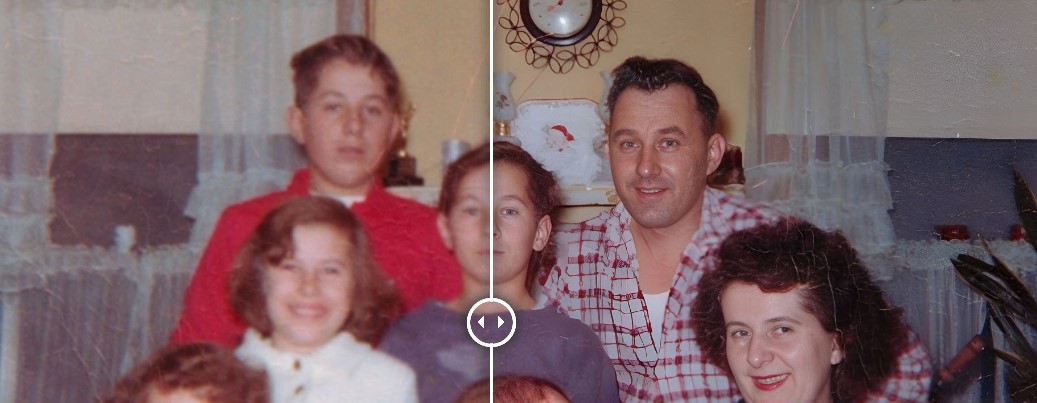
Exclusive FaceEnhance Technology
Our AI FaceEnhance technology sharpens and clarifies facial details, making old photos look as if taken today. Available as a free service add-on.
How We Sharpen Faces with FaceEnhance
Our Transparent Process
Stay informed with our real-time photo scanning service and discover the journey your memories will take from past to present.
Services and Pricing
We provide a comprehensive range of digitization services with transparent pricing. Use our Pricing Calculator to estimate your project cost.
Explore Our Services and Pricing.
Customer Reviews
See why our customers trust us with their precious memories and the value they've found in our services.
Consumer Reports Magazine
We read a Consumer Reports article recommending digmypics. We were not disappointed. The communication through the process was great and the end product was fantastic.
Dan
Sacramento 3/6/2023