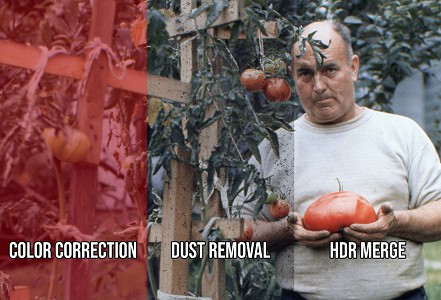
Professional Slide Scanning Service
Convert your slides to high-quality digital images - We scan virtually any slide format
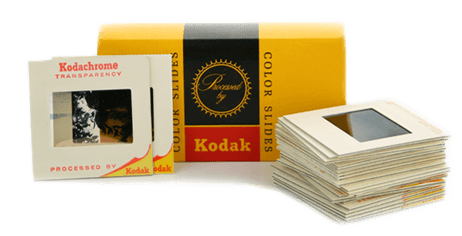
Premium Slide Scanning Features
You get the best digital slide conversions possible because we use the best equipment available and scan ALL slide formats.
Scanning Features
- High Quality 35mm Slide Scanning
- We Scan Slides of Virtually Any Type - 35mm, 110, 126, 127, 3D Stereo
- 3800 dpi Slide Scanning - Professional resolution
- Save 20% with Don't Want Don't Pay Service
- Color Correction And Rotation Included
Service Benefits
- Your Slides Stay in the USA - Never shipped overseas
- Compressed Air Treatment Plus DustNet Dust Removal
- Real-Time Slide Scanning Plus Order Tracking
- Fast Slide Scanning Turn Around Times

Preservation Quality Slide Scanning
Each scan includes all these premium benefits to ensure the highest quality digital preservation
-
3800 dpi 17 MP (Mega Pixels) Resolution SmartScans
Professional-grade resolution captures every detail - higher than competitors' standard 3000 DPI. Also available for negative scanning.
-
High Dynamic Range (HDR) Scans
Brings out more detail from dark photos and shadows. Part of our SmartScan Technology that enhances all media types.
Learn more about HDR on Wikipedia
-
Expert Color Correction
Restores faded colors and balances exposure. We apply the same care to photo prints and movie film transfers.
-
Compressed Air Treatment Plus DustNet for Dust Mitigation
Two-step process ensures clean, clear images. Our exclusive DustNet AI technology removes dust specks that other services might miss.
-
Ready-to-Use Digital Files
Clean, clear, color-corrected and properly rotated JPEG files. TIFF files also available. Learn about our digital delivery options.
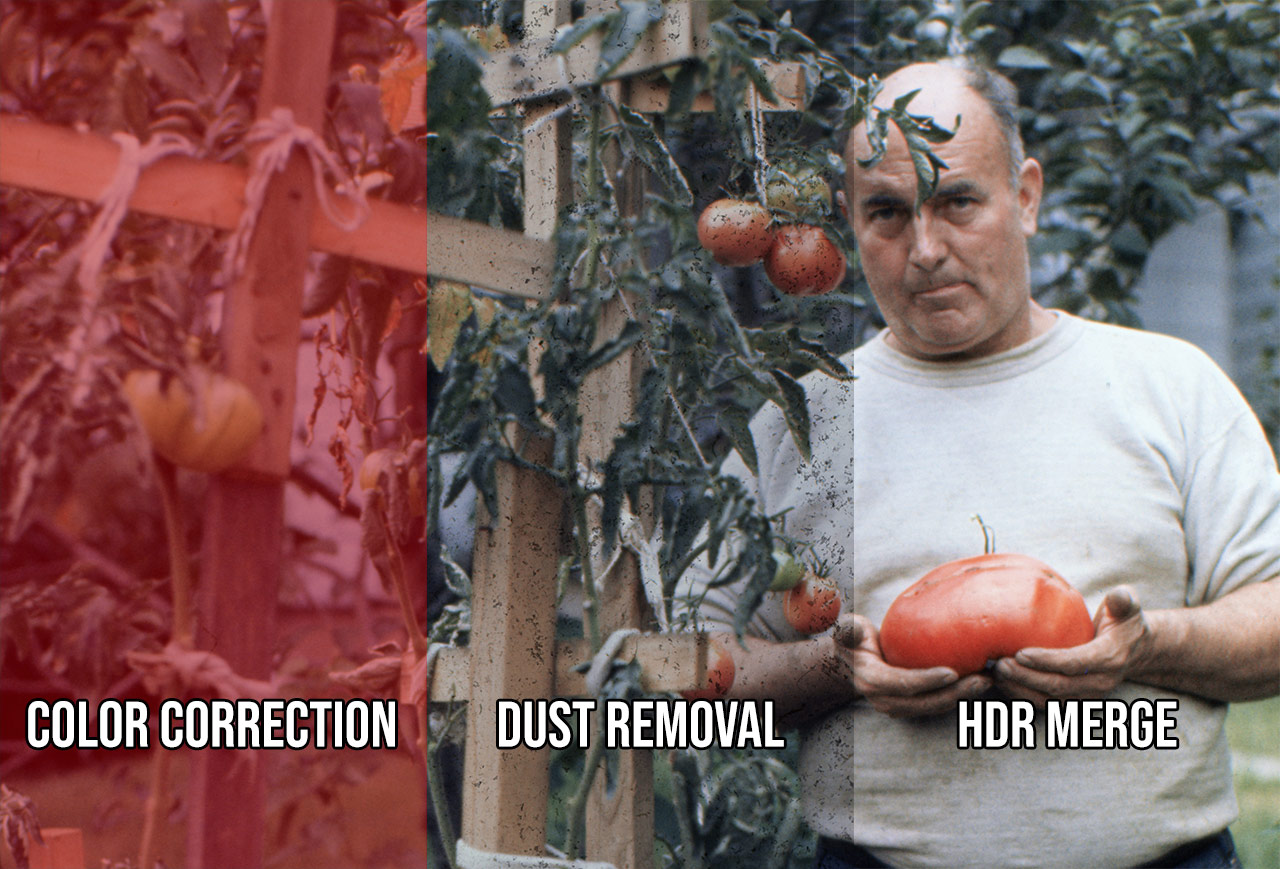
Our comprehensive slide scanning process ensures the highest quality results. See how our process works for all media types.
Our Unique Slide Scanning Services
Exclusive features that make our slide scanning service special
See Your Photos As We Scan Them
Our exclusive Real-Time Scanning™ service allows you to see each photo as we scan it. This unique feature makes it fun for you and your family to watch your account every day as new photos become instantly available the moment we've scanned them.
Learn More About Real-Time Scanning
Delete Unwanted Slide Scans
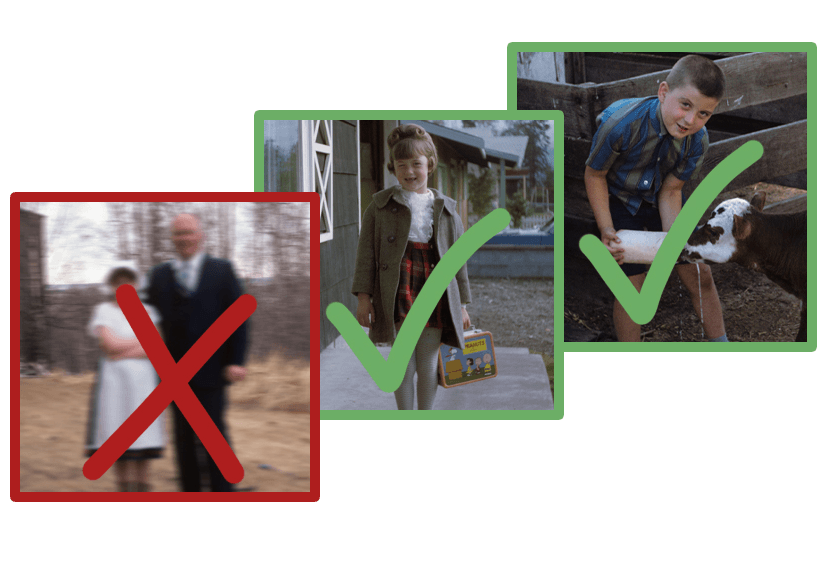
With our unique Don't Want, Don't Pay™ system, you can delete up to 20% of the scans you don't want, and you won't pay for them. We're so confident you'll be thrilled with the quality of your newly digitized photos that we guarantee your satisfaction.
Learn More About Don't Want, Don't PayAll-Inclusive Slide Scanning Prices
We scan virtually any slide format - unlike most other services
Standard Slide Scanning - Our Most Popular Service
Slides Scanned - 49¢ per scan
Professional 3800 dpi scanning with color correction
Most Popular Choice
35mm Slide
Standard 2x2" mount - our most common format

35mm 1/2 Frame
Half-size 35mm in 2x2" mounts

110 (in 2x2 mount)
Same price as 35mm slides

126 Slides
Square format in 2x2" mounts
Note: Slides in glass mounts must be removed and remounted. Learn more about our slide scanning process
Specialty Slide Formats
Non Standard Slides - $1.29 $1.16 (10% OFF) per scan
Same high-quality scanning for specialty formats
110 Pocket Slides

Mounted in 1x1" cardboard or plastic mounts, but the image is half the size of 35mm. Popular in pocket cameras from the 1970s-80s.
3D Stereo Slides

We offer two options for scanning 3D Stereo Slides:
- Cut stereo slide mount in half and scan.
- Scan without cutting mount in half for $0.50 handling fee per image.
Only one side will be scanned unless you request both sides.
Note: If Stereo slides are in glass or steel mounts, a $1.00 handling fee will be added per slide to remove the film for scanning.
127 Super Slide

127mm Superslides in 2x2" cardboard or plastic mounts. These larger format slides offer excellent image quality.
Medium Format Slides
Professional specialty format with different pricing
Medium Format

2¾" × 2¾" professional format
Standard Resolution
2000 DPI Scans
Price: $1.79 per scan
High Resolution
4000 DPI Scans
Price: $7.19 per scan
Order Slide Scanning Services
Start preserving your slide memories today
Select Your Slide Types

Regularly 0.49¢. Now just 0.44¢ per Standard Slide Scanned. On sale through 12/9!
- 35mm Slides
- 35mm 1/2 Frame Slides
- 110 in 2x2 mounts
- 126 Slides
Non Standard Slides - $1.29 $1.16 (10% OFF) per scan
- 110 Pocket Slides in 1x1 mounts
- 3D Stereo Slides
- 127 Super Slides
Medium Format Slides
- 2000 DPI Scans $1.99 $1.79 (10% OFF) per scan
- 4000 DPI Scans $7.99 $7.19 (10% OFF) per scan
Add to Your Order
Enter the estimated quantity of items you need to digitize. We'll charge for the exact number once your project is completed.
Need Help?
Not sure what to order? Have questions about our services?