Photo Scanning
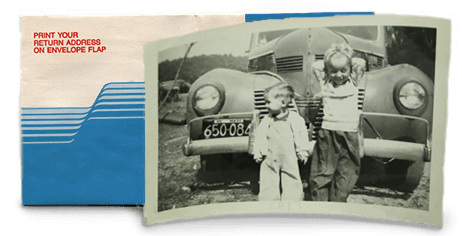
Photo Scanning - 49¢ per scan
Standard Printed Photos up to 8x10 at 600 dpi.
Photo Scanning at 1200 dpi - 89¢ per scan
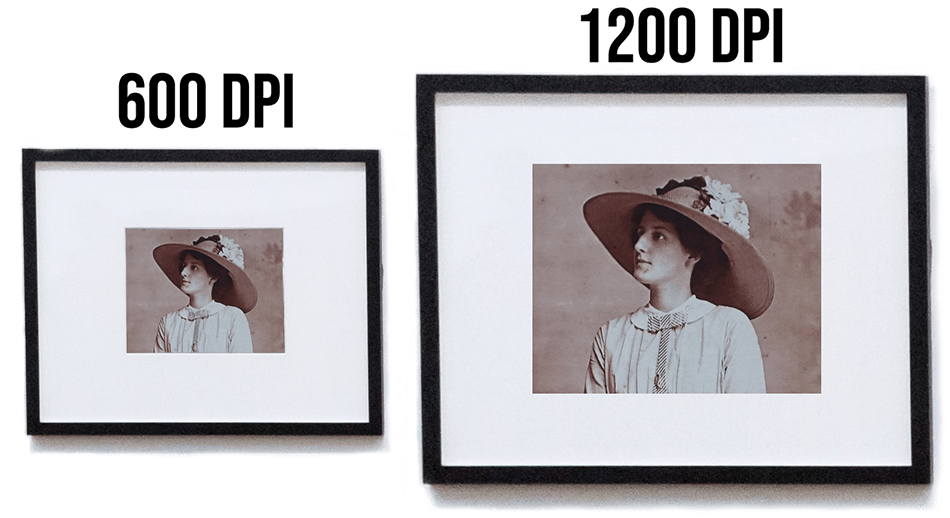
Standard Printed Photos up to 8x10 at 1200 dpi. Produces 4 times as many pixels as a 600 dpi scan.
Recommended for prints that are 4x6 or smaller.
Non Standard Prints
Cards, children's artwork, documents, IDs, clippings, etc. Up to 8x10
- 600 DPI $1.15 per scan
- 1200 DPI $2.25 per scan
Over Size Photo Scanning - $4.95 per scan
Photos, newspaper clippings, children's artwork greater than 8" X 10" and less than 11" X 14"
- 300 DPI $4.95 per scan
- 600 DPI $5.95 per scan
Remove Prints from Albums - 59¢ per image
We can remove the pictures from the album or we can scan the page and digitally crop out each individual photo. This is a premium service. This is just the charge to remove the photos from the albums. Scanning is additional.


Premium Archival Printed Photo Scanning

Give your photos the treatment they deserve with digmypics Archival Printed Photo Scanning. A skilled technician will review each photo before scanning to assess the photograph and the selected resolution and then determine the best equipment to use that ensures a high quality scanned photo. They then scan each photo by hand, one by one.
See Your Photos As We Scan Them
Our exclusive Real Time Scanning™ service allows you to see each photo as we scan it. This unique photo scanning service feature makes it fun for you and your family to watch your account everyday as new photos are instantly available to view the moment we've scanned them.

Delete Unwanted Photo Scans
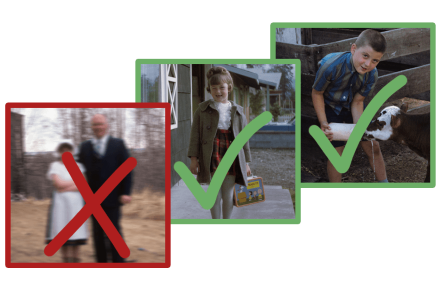
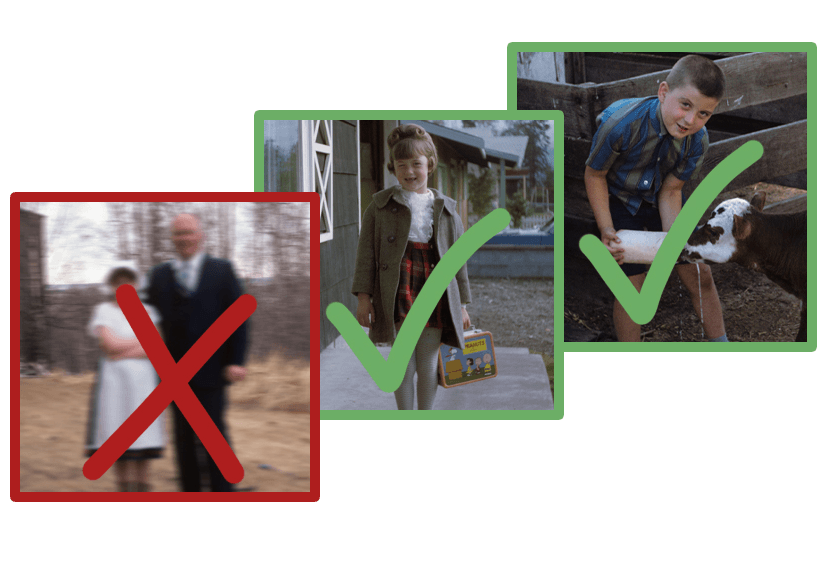
With our unique Don't Want, Don't Pay™ system, we let you delete up to 20% of the scans you don't want. We're so sure you'll be thrilled with the quality of your newly digitized photos that we guarantee it.
Digmypics uses the best equipment
No batch photo scanning feeders, no document scanners. Those devices scratch and dog ear your original photos and leave digital lines and streaks on the scans they produce.
Additional Printed Photo Scanning Information
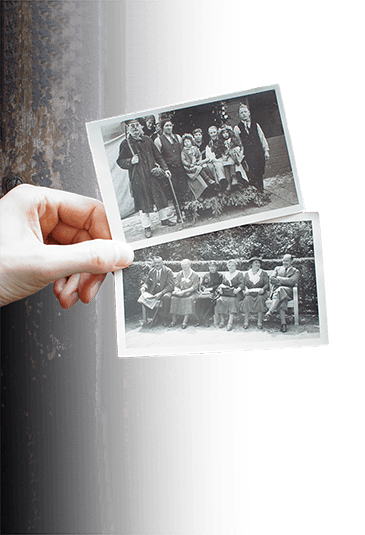
Our nearly 20 years of scanning experience has helped us perfect the scanning process and provide you with the best quality. Below is some helpful information to make your digitizing project as simple as possible.
Choosing A DPI
600 dpi is the recommended resolution for scanning your printed photos. The higher resolution is important when it comes to enlarging, reprinting, and editing, the photos. For prints smaller than 4x6 you should consider having them scanned at 1200 dpi.
Prints In Albums

Separating Photos
In some cases we are able to scan the album page and then use software to separate out the individual photos without physically removing them from the album. Please remove the binding from the album and send just loose album pages.
Remove From Album
We are not always able to separate out the individual photos from the page and in those cases we must remove each photo from the album. We prefer the customer remove the prints. We do not put the prints back in their album(s) but will place them in Ziploc® bags.
Only With Digmypics
- Industry Leading Technology
- Rotation to Proper Orientation
- Custom Folder Naming
- Delete Scans You Don't Want
- Real Time Scanning
- Quality Review of Every Scan